Account
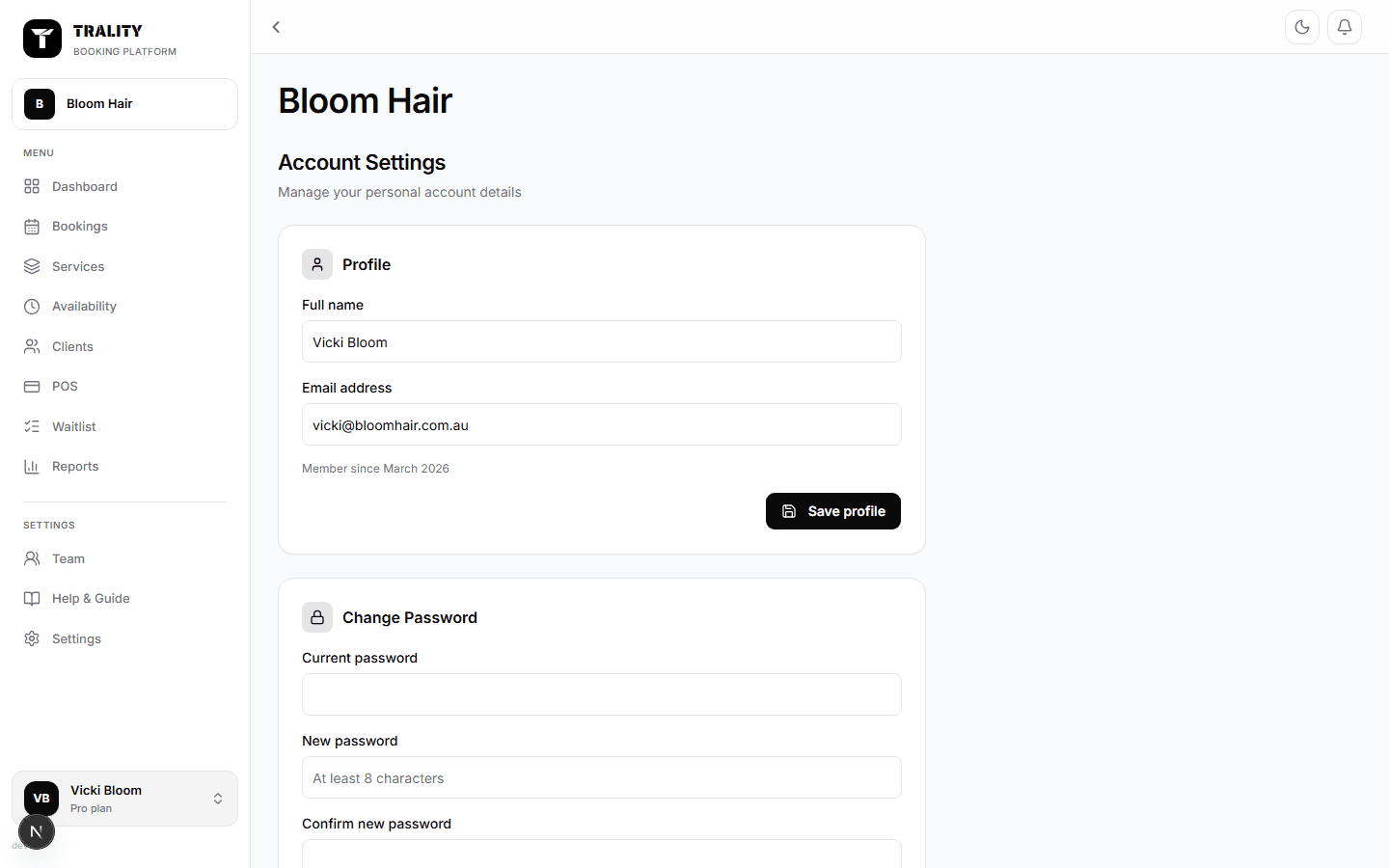
Your personal account settings — name, email, password and security.

What you can do here
- Update your name and email
- Change your password
- Switch between businesses you own
- Choose light or dark mode
What's on this screen
Your details
Your own name and email — the address you sign in with and where account emails go. This isn't the contact email clients see; that's under Settings → Business.
Password
Change it by entering your current password and a new one. Everyone with a login manages their own from this page, including team members.
Businesses
If you run more than one, switch between them here or from the picker at the top of the sidebar. Each keeps its own bookings, clients, services, team and settings — nothing is shared.
Appearance
Light or dark mode for your account. It follows you between devices and doesn't affect what clients see on your booking page.