
Clients
Your customer list — contact details, booking history and notes for everyone who books with you.
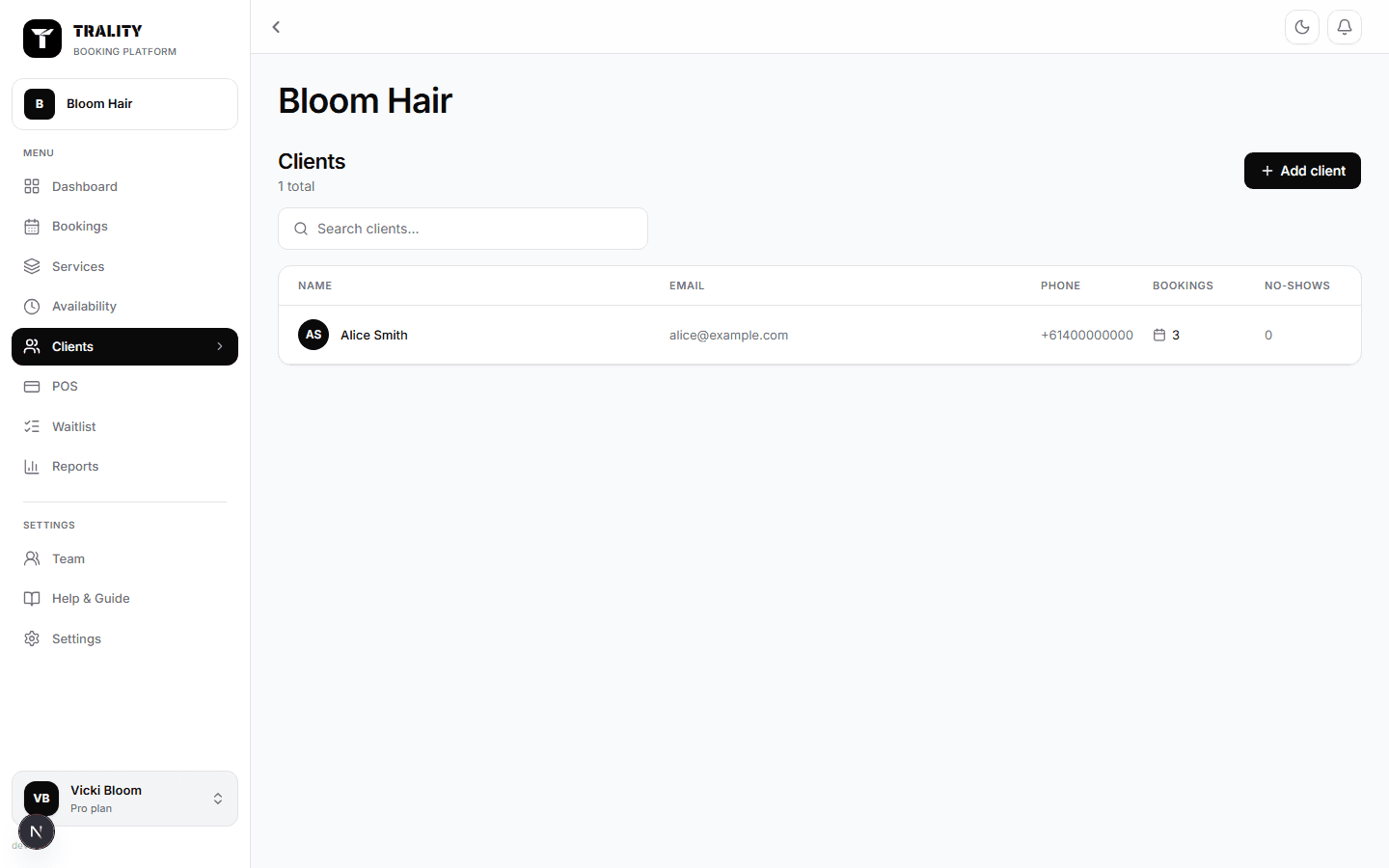
What you can do here
- Search and browse everyone who's booked with you
- Open a client for their history, spend, notes and tags
- Add a client by hand, or import a list from a CSV
- See who's been a no-show
What's on this screen
The client list
Everyone who has booked with you, with their email, phone, how many bookings they've had and their no-show count. The search box matches name, email and phone. On a phone the table becomes cards so nothing is cut off.
No-shows
The count beside each client is how many times they didn't turn up (marked from the booking). It's for your judgement, not an automatic block — nothing stops them booking again.
A client's page
Their contact details, then their history: past and upcoming bookings, what they spent, and any sales rung up at the counter. This is where you check whether someone is a regular before you offer them a spot.
Notes and tags
Notes are private to you and your team — clients never see them. Tags are free-form labels ('Regular', 'Colour client', 'Sensitive skin') you can search and filter on later.
Add client and Import
Add client takes a name, with email and phone optional. Most of this list fills itself: a client record is created the first time someone books online. Import brings a list in from a spreadsheet, matching on email so re-importing updates people rather than duplicating them.
Clients without an email
Someone booked over the phone may have no email. Their row shows no address rather than a made-up one, and the messaging options are hidden for them — there's nowhere to send to.
