
Services
Define what customers can book — each service's name, duration, price and availability.
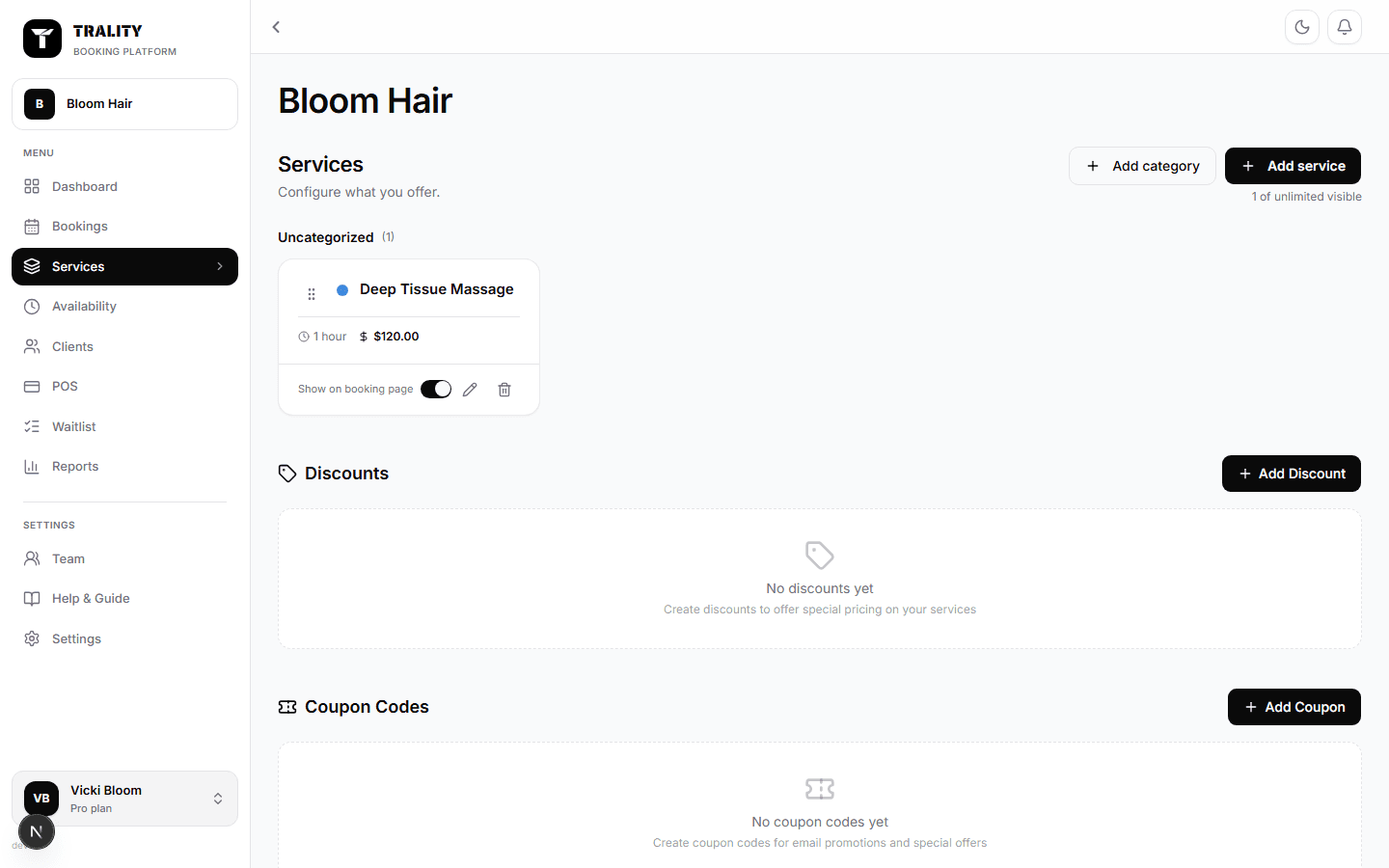
What you can do here
- Add and edit services — duration, buffer, price and colour
- Group them into categories, and drag to set the order clients see
- Show or hide a service on your booking page without deleting it
- Run automatic discounts, and issue coupon codes
- Import or export your whole catalogue as a CSV
What's on this screen
The figures along the top
Services counts your catalogue and how many are hidden from clients. Average price covers only services you charge for. Shortest booking is your smallest bookable slot — useful when you're trying to fill a gap. Active discounts counts automatic discounts running now, with your live coupon codes underneath.
Services, Discounts and Coupon codes
Three tabs on the same page. Services is your catalogue; Discounts are automatic price reductions; Coupon codes are codes clients type at checkout. The number on each tab is how many you have.
Search and the visibility filter
Search matches names and descriptions. All / On booking page / Hidden is the quick way to audit what clients can actually see and book.
The service list
Services sit under their category, and this order is exactly the order clients see — drag a row by its handle to change it. Each row shows the photo or colour, the name and description, duration, buffer, price, and a switch controlling whether it appears on your booking page. The tick boxes select several rows so you can show or hide them together.
Category headers
Each category shows how many services it holds and the price range within it. Collapse one to get a long catalogue under control; Remove deletes the category itself, not the services in it.
New service — Basics
Name, category, description (shown under the name on your booking page), duration, and a buffer that blocks time after the appointment for cleaning, notes or turnaround.
New service — Pricing
The price, whether it's a 'from' price for variable work, whether it's taxable, and whether money is taken at booking — a deposit or payment in full. Deposits can be a percentage or a fixed amount, and start from whatever you set as the default under Settings → Payments.
New service — Booking
How many people can be in one session (over 1 makes it a group class, which is what enables waitlists), how far ahead clients may book, how close to the start time they may still book, an optional time-of-day window, any add-on options, and intake forms that must be completed first.
New service — Appearance
The colour this service shows as across your calendar, a photo for the booking page, and a live preview of the card clients will see.
Import and Export
Export downloads the catalogue as a CSV; Import takes the same columns back. Editing prices or durations in a spreadsheet and re-importing is far quicker than opening every service.
